 mehul.pattel
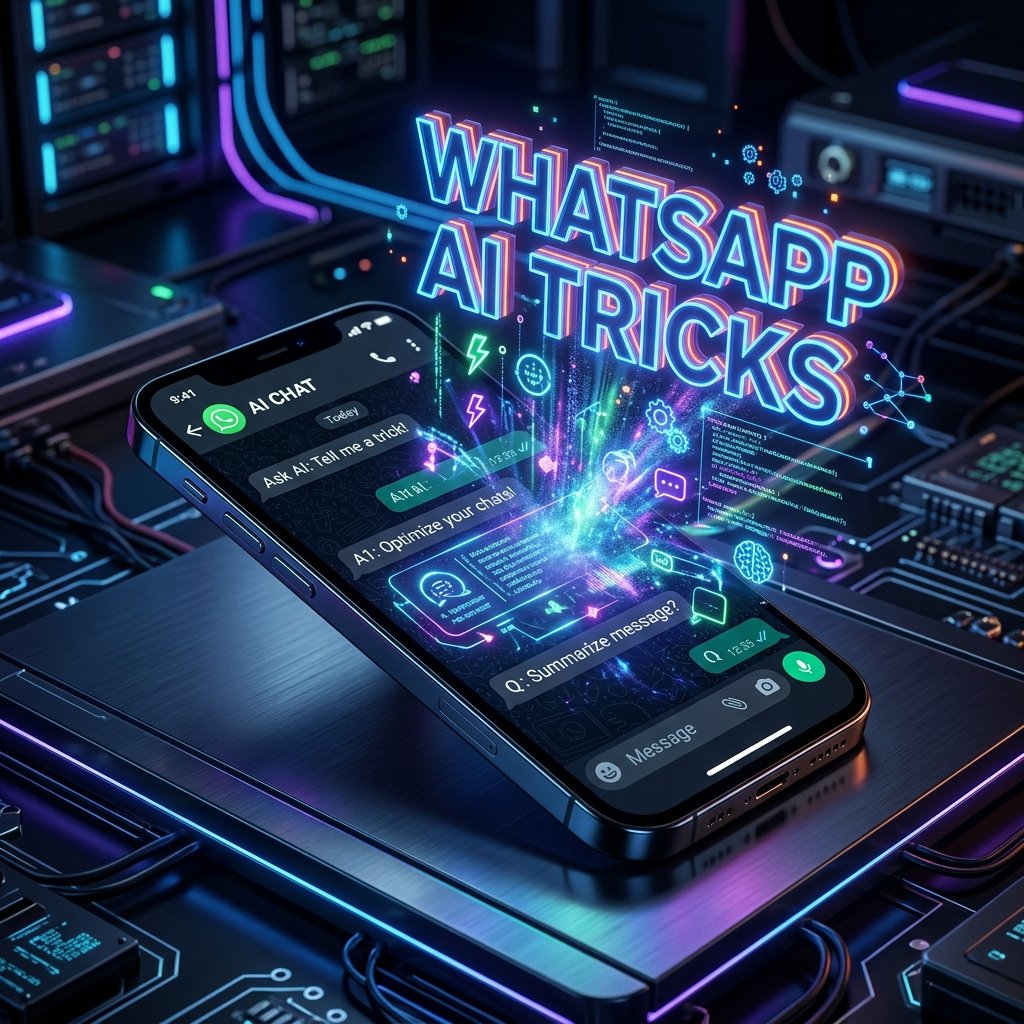
5 Secret WhatsApp AI Features You Must Try in 2026 (Step-by-Step Guide)
⚡ Quick Summary:
- WhatsApp has rolled out massive AI-powered updates in 2026, completely changing how we chat, work, and organize our lives.
- You can now use built-in AI for real-time voice translation, auto-generating chat summaries, and even creating custom AI avatars on the fly.
- In this guide, we will walk you through the top 5 hidden WhatsApp AI features and show you exactly how to enable and use them to boost your productivity.
- 5 Secret WhatsApp AI Features You Must Try in 2026 (Step-by-Step Guide)
WhatsApp has always been the undisputed king of instant messaging, but in 2026, Meta has taken it to an entirely new level. With the seamless integration of advanced Artificial Intelligence directly into the app, WhatsApp is no longer just a tool for sending texts and photos to friends. It has evolved into a powerful personal assistant, a creative powerhouse, and a productivity booster.
Despite these incredible updates rolling out globally, a surprising majority of users are completely unaware of these hidden AI capabilities. If you are still using WhatsApp the old-fashioned way, you are missing out on some seriously game-changing tech. In this exclusive ‘Tech Tips & Tricks’ masterclass, we are diving deep into the 5 secret WhatsApp AI features of 2026 that you need to start using right now.
1. Real-Time AI Voice Call Translation 🗣️🌐
Have you ever struggled to communicate with a business partner, client, or friend who speaks a different language? In the past, you had to rely on clunky third-party translation apps. In 2026, WhatsApp’s built-in AI Voice Translation bridges the language gap in real-time during live calls.
How it Works:
When you are on a voice or video call, the Meta AI engine listens to the conversation and instantly translates the spoken words into your preferred language. You hear a natural-sounding AI voice overlay translating their words, while they hear your words translated into their native tongue.
Step-by-Step Guide to Enable:
- Open a chat with the contact you wish to call.
- Tap the Call Icon (Voice or Video).
- Once connected, tap the new AI Translate Icon (a small globe with a spark) located at the bottom of the call screen.
- Select your language and the recipient’s language.
- Speak naturally. The AI will handle the rest!
Pro Tip: This feature currently supports 45 major languages, including English, Hindi, Gujarati, Spanish, Mandarin, and French.
2. Auto-Generate Chat Summaries for Busy Groups 📝
We have all been there: you step away from your phone for a few hours, only to return to 500+ unread messages in a family or work group. Scrolling through endless texts to find the important bits is a massive waste of time. WhatsApp’s new ‘AI Chat Summary’ feature solves this instantly.
How to Use It:
- Open any group chat with more than 20 unread messages.
- At the top of the chat, right below the group name, you will see a new glowing button labeled “Summarize with AI”.
- Tap it.
- Within seconds, Meta AI will read the unread messages and generate a neat, bulleted summary of the key discussion points, decisions made, and any direct mentions of your name.
3. On-the-Fly AI Image Generation & Editing 🎨
Why search the internet for the perfect meme or reaction image when you can just create it inside WhatsApp? Meta AI now allows you to generate high-quality images directly in your chat box using simple text prompts.
How to Generate Images:
- Open any chat.
- Type
@Metafollowed by/imagine. - Type your prompt. For example:
@Meta /imagine a futuristic cyberpunk cat drinking coffee. - Hit send. Within seconds, the AI will generate four variations of the image. Tap the one you like to send it directly to the chat.
The Magic Edit Feature:
You can also edit photos before sending them. Select an image from your gallery, tap the AI Edit wand icon at the top, and type what you want to change (e.g., “Remove the background” or “Make it look like a cartoon”).
4. Smart AI Auto-Replies for Business & Personal Use 🤖💬
If you are tired of typing the same responses over and over again, the new Smart AI Auto-Reply feature is a lifesaver. Unlike the old “Away Messages” in WhatsApp Business, this 2026 feature uses Contextual AI to read the incoming message and craft a custom, human-like response.
How to Set It Up:
- Go to Settings > AI Assistant > Smart Auto-Replies.
- Toggle the feature ON.
- You can set specific ‘Personas’ for different contacts. For example, set a ‘Professional’ tone for work colleagues and a ‘Casual’ tone for friends.
- When you receive a message while busy, the AI will suggest three contextual replies on your lock screen. Simply tap one to send it instantly without even opening the app.
5. Advanced Document & PDF Analysis 📊
WhatsApp is heavily used for sharing documents, PDFs, and spreadsheets. Previously, you had to open these files in dedicated apps to understand their contents. Now, WhatsApp’s integrated AI can read and analyze documents for you.
Step-by-Step Guide:
- Send or receive a PDF or Document in a chat.
- Long-press the document bubble.
- Select “Ask AI about this file”.
- A chat window will pop up where you can ask questions like, “What is the total revenue mentioned in this report?” or “Summarize the key terms of this contract.”
- The AI will instantly read the document and provide you with precise answers, saving you the hassle of reading a 50-page PDF.
Frequently Asked Questions (FAQs) ❓
Q1: Are these AI features free to use?
A: Yes, all the core Meta AI features mentioned above are completely free for standard WhatsApp users in 2026. However, WhatsApp Business users may have premium tiers for high-volume AI usage.
Q2: Does Meta AI read my private messages?
A: WhatsApp maintains its end-to-end encryption. The AI features that process chat context (like Summaries and Smart Replies) are processed locally on your device’s Neural Processing Unit (NPU), ensuring your private chats never leave your phone. (Note: Features like Image Generation send the specific prompt to Meta’s servers).
Q3: I don’t see these features on my phone. Why?
A: Ensure your WhatsApp app is updated to the latest 2026 version via the Google Play Store or Apple App Store. Also, note that some features are being rolled out regionally and may take a few weeks to reach all users.
Conclusion 🎯
The integration of AI into WhatsApp in 2026 has transformed it from a simple messaging app into a comprehensive daily hub. Whether you are breaking down language barriers with Real-Time Translation, saving time with Chat Summaries, or getting creative with AI Image Generation, these secret features are guaranteed to elevate your digital experience.
Have you tried any of these WhatsApp AI tricks yet? Which one is your favorite? Let us know in the comments below! Stay tuned to GujjuFanClub for more exclusive Tech Tips and Tutorials.